



What do mobile application testing solutions test?
Mobile applications have become an essential part of everyday life. People use them to shop online, manage bank accounts, communicate with friends, track their fitness, attend online classes, and perform business tasks. Because users expect these applications to work smoothly, developers must ensure that every feature performs as intended before and after an app is released. 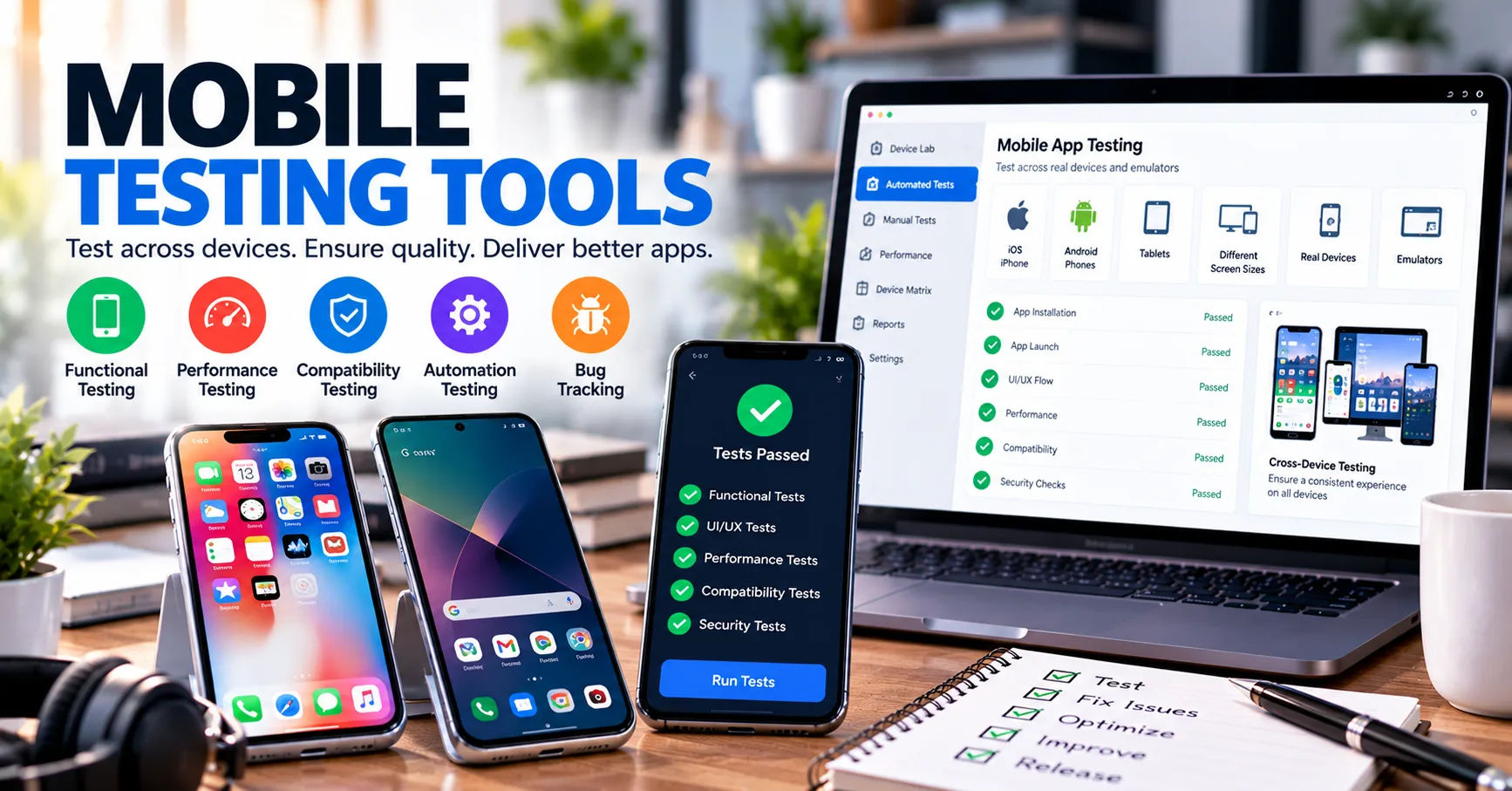 Even a small issue can lead to negative reviews, lost customers, security risks, or reduced revenue.
This is where mobile application testing solutions become valuable. They help development teams examine an application's functionality, performance, security, usability, and compatibility across different mobile devices and operating systems. Testing helps identify problems before users encounter them and gives developers an opportunity to improve the overall experience.
Understanding what these solutions test is important for businesses, software developers, quality assurance professionals, and anyone involved in creating mobile applications. Different testing methods focus on different aspects of an app, from checking whether a login button works to determining how the application behaves when internet connectivity disappears.
This comprehensive guide explains the major areas of mobile application testing, the testing methods involved, and how organizations can use testing to deliver reliable, secure, and user-friendly mobile experiences.
Mobile Application Testing
Mobile application testing is the process of evaluating a mobile app to determine whether it meets its functional, technical, security, and usability requirements. It involves running tests on real devices, emulators, simulators, and specialized testing platforms.
The purpose is not simply to find software errors. Testing also verifies that an application behaves consistently under different conditions and provides a satisfactory experience for its intended users.
For example, a shopping application should display products correctly, calculate prices accurately, process orders securely, and notify customers when their purchases are confirmed. Testing helps verify each of these functions.
Why Mobile Testing Is Different
Mobile applications face challenges that desktop software may not encounter as frequently. Smartphones have different screen sizes, hardware capabilities, battery capacities, operating system versions, and network conditions.
An application might perform perfectly on one device but crash on another. A feature could work with a strong Wi-Fi connection but fail when the user switches to mobile data.
Mobile applications also interact with device features such as cameras, GPS, microphones, biometric sensors, and push notifications. These interactions create additional possibilities for errors.
Comprehensive testing examines these conditions to help ensure that applications remain dependable across a wide range of environments.
1. Functional Testing
Functional testing checks whether an application performs the tasks it was designed to perform. It compares the app's actual behavior with its expected requirements.
This is one of the most important areas covered by mobile application testing solutions because users expect every essential feature to work correctly.
Login and Registration
Testing verifies that users can create accounts, sign in, sign out, and recover forgotten passwords. It also checks whether the application handles invalid credentials and incomplete forms appropriately.
For example, a banking app should reject an incorrect password, display a helpful error message, and avoid revealing sensitive account information.
Testers may also examine email verification, one-time passwords, biometric authentication, and session expiration.
Forms and User Inputs
Mobile applications frequently require users to enter names, addresses, payment information, search terms, and other details.
Functional testing checks whether these inputs are accepted, validated, stored, and processed correctly. It also examines how the application responds to empty fields, unsupported characters, excessively long entries, and incorrect formats.
Transactions and Business Processes
Applications that support shopping, bookings, payments, or subscriptions require careful testing of complete user journeys.
Testers may verify that a customer can select a product, add it to a cart, apply a discount, complete payment, and receive an order confirmation.
Every step should work correctly, and the application should not create duplicate transactions or lose important information when an unexpected problem occurs.
2. Compatibility Testing
Compatibility testing determines whether an application works across different mobile devices, operating systems, and software configurations.
The mobile market contains thousands of device models, making it difficult for developers to test every possible combination manually.
Operating System Compatibility
Testing examines how an application behaves on supported versions of Android and iOS.
An operating system update may change permissions, background processing rules, notification behavior, or access to device resources. These changes can affect applications that previously worked correctly.
Compatibility testing helps identify issues before or after users install system updates.
Screen Sizes and Resolutions
Mobile devices have different display dimensions, resolutions, aspect ratios, and pixel densities.
Testers check whether text remains readable, buttons are accessible, images display properly, and page layouts adjust to different screens.
They also examine portrait and landscape orientations where the application supports both.
Device-Specific Behavior
Hardware differences can affect camera functionality, biometric authentication, memory usage, and other features.
Testing across representative devices helps reveal manufacturer-specific problems, unexpected interface behavior, and performance limitations.
Using both real devices and virtual testing environments can provide broader coverage while controlling testing costs.
3. Performance Testing
Performance testing evaluates how quickly and efficiently an application operates under different conditions.
Users generally expect mobile apps to open quickly, respond to interactions without noticeable delays, and remain stable during extended use.
App Launch and Response Time
Testers measure how long an application takes to launch, load important screens, display content, and respond to user actions.
Slow performance can frustrate users and increase the likelihood that they abandon the application.
Testing helps developers identify inefficient code, oversized resources, slow database queries, and unnecessary network requests.
Load and Stress Testing
Load testing examines application performance under expected levels of activity. Stress testing pushes the system beyond normal conditions to identify its breaking points and recovery behavior.
For example, a ticket-booking app may receive a large increase in traffic when reservations open for a popular event.
Testing helps reveal whether the app's servers, APIs, and supporting infrastructure can handle demand without excessive delays or failures.
Memory, CPU, and Battery Usage
Mobile application testing solutions can help measure how much processing power, memory, and battery an application consumes.
Excessive resource usage may cause overheating, slowdowns, crashes, or rapid battery depletion.
Testers investigate memory leaks, unnecessary background tasks, repeated calculations, and inefficient resource management.
The goal is to maintain responsive performance without placing unreasonable demands on the device.
4. Security Testing
Security testing examines whether an application protects users, information, and connected systems against unauthorized access and common attacks.
This is especially important for applications that handle financial information, personal details, business records, or authentication credentials.
Data Protection
Testers examine how sensitive information is collected, transmitted, stored, and deleted.
They check whether private information is unnecessarily stored on the device, exposed through application logs, or transmitted without appropriate protection.
They also review the use of secure network connections and suitable encryption methods.
Authentication and Authorization
Authentication verifies a user's identity, while authorization determines what that user is allowed to access.
Security testing checks whether users can access only their own accounts and permitted features.
For example, changing an account identifier in an API request should not allow one customer to view another customer's private information.
Vulnerability Detection
Security assessments may look for insecure API endpoints, weak session management, improper permission handling, exposed credentials, and vulnerable third-party libraries.
Testers may also examine how the application responds to tampered requests and attempts to bypass access controls.
Finding these weaknesses early allows development teams to address them before attackers can exploit them.
Security testing should continue throughout the development lifecycle because new features, dependencies, and threats can introduce additional risks.
5. Usability and User Experience Testing
An application can be technically correct and still disappoint users if it is confusing or difficult to navigate.
Usability testing evaluates how easily people can understand and use an application's features.
Navigation and Interface Design
Testers examine menus, buttons, navigation paths, page layouts, and interactive elements.
They check whether users can complete common tasks without unnecessary steps or confusion.
For example, a food delivery application should make it easy to browse restaurants, select meals, enter delivery details, and track an order.
Clear navigation reduces frustration and helps users accomplish their goals efficiently.
Readability and Accessibility
Testing evaluates font sizes, color contrast, touch target dimensions, screen reader support, and other accessibility considerations.
Applications should accommodate users with different abilities wherever possible.
Teams may test whether controls have meaningful labels, whether important information is available without relying solely on color, and whether the interface works with supported assistive technologies.
Accessibility testing helps organizations create more inclusive digital experiences.
Feedback and Error Messages
Users need clear feedback when an action succeeds or fails.
Testing checks whether the application displays appropriate loading indicators, confirmation messages, validation warnings, and recovery instructions.
Helpful messages explain what happened and, when possible, how users can resolve the problem.
6. Network and Connectivity Testing
Mobile users frequently move between Wi-Fi, cellular networks, and locations with weak signals. Connectivity testing examines how applications respond to these changing conditions.
Weak or Unstable Connections
Testers simulate slow networks, high latency, packet loss, and intermittent connectivity.
They check whether the application remains usable, communicates delays clearly, and recovers when the connection improves.
For instance, a navigation application should handle temporary connectivity problems without unexpectedly losing essential information.
Offline Functionality
Some applications provide offline access to downloaded files, saved content, or previously viewed information.
Testing verifies which features remain available without an internet connection and whether unavailable features display suitable messages.
It also checks how locally stored changes synchronize when connectivity returns.
Network Switching and Recovery
Testers examine what happens when users switch from Wi-Fi to mobile data or move between networks.
The application should handle interrupted requests appropriately, avoid unnecessary duplicate submissions, and restore normal functionality when possible.
For transaction-based apps, developers must take particular care to prevent repeated payments or duplicated orders during reconnection.
7. Installation, Updates, and Compatibility With Existing Data
Testing begins before an application is opened for the first time. Installation and update processes must also work reliably.
Installation and Uninstallation
Testers verify that the app installs successfully on supported devices and that required permissions are requested appropriately.
They may examine insufficient storage, interrupted downloads, failed installations, and uninstall behavior.
Applications should also handle the removal of local data according to their documented behavior and applicable privacy requirements.
Updating Existing Versions
An update should introduce improvements without unexpectedly damaging existing functionality.
Testing checks whether users can update from previous supported versions, whether settings remain intact, and whether local databases migrate correctly.
A database migration error, for example, could prevent users from accessing previously saved information.
Fresh Installation Versus Upgrade
A fresh installation and an upgrade can produce different results because an upgraded application may contain existing preferences, cached data, or older database structures.
Testers examine both scenarios to identify problems that might affect long-term users but remain invisible during testing on a newly installed app.
8. API and Backend Integration Testing
Most mobile applications rely on servers, APIs, databases, payment providers, analytics services, or other external systems.
Integration testing evaluates whether these components communicate correctly.
API Requests and Responses
Testers verify that the application sends the correct requests and handles server responses appropriately.
They examine successful responses, validation errors, authentication failures, server errors, and unexpected response formats.
For example, if a product inventory API reports that an item is unavailable, the application should update the interface instead of allowing an invalid purchase to continue.
Database Synchronization
Applications often store information locally and remotely.
Testing checks whether changes are saved correctly, whether records remain consistent, and whether synchronization conflicts are handled appropriately.
This is especially important for messaging apps, productivity tools, financial applications, and systems that allow offline editing.
Third-Party Services
Many apps depend on external services for maps, payment processing, social sign-in, analytics, or notifications.
Integration tests help identify problems caused by incorrect configuration, expired credentials, changed API contracts, or unavailable services.
Teams should also verify that failures in optional third-party services do not unnecessarily break unrelated features.
9. Interruptions and Device Resource Testing
Mobile applications must operate in environments where users can be interrupted at any moment.
Interruption testing evaluates whether the app responds safely when another system event occurs.
Calls, Notifications, and Backgrounding
Testers may simulate incoming calls, text messages, alarms, notifications, and transitions between foreground and background states.
They check whether the application preserves user progress and resumes correctly when the interruption ends.
For example, a user completing a long form should not lose every entered field simply because they briefly switch to another application.
Permissions and Device Features
Applications may request access to a camera, microphone, contacts, location, or media library.
Testing verifies that features work when permission is granted and fail gracefully when permission is denied or later revoked.
It also checks whether the application requests only the access necessary for its intended functionality.
Low Battery and Limited Resources
Testers can examine behavior when battery-saving modes are enabled, memory becomes constrained, or the operating system restricts background activity.
These scenarios help developers identify crashes, incomplete operations, and unexpected loss of application state.
10. Localization and Internationalization Testing
Applications intended for users in multiple regions must support differences in languages, writing systems, currencies, dates, and local conventions.
Localization testing checks whether the application is properly adapted for each supported market.
Language and Text Display
Testers examine translated menus, buttons, error messages, and instructional content.
They look for untranslated text, incorrect characters, text that overlaps other interface elements, and labels that become truncated in longer languages.
Applications supporting right-to-left languages may require additional layout checks.
Dates, Numbers, and Currency
Different regions use different date formats, decimal separators, measurement systems, and currency conventions.
Testing verifies that these values display correctly and are interpreted accurately.
For financial applications, teams should also confirm that currency conversions, rounding rules, and transaction totals follow the intended business requirements.
Regional Settings
Some applications adjust content based on time zones, location, or regional preferences.
Testing checks whether these settings produce consistent and understandable results, particularly when users travel or change their device configuration.
11. Push Notification and Background Processing Testing
Push notifications help applications communicate important updates, reminders, and alerts. However, these features depend on device permissions, operating system behavior, server configuration, and network availability.
Testing checks whether notifications arrive when expected, display accurate information, and direct users to the correct screen.
For example, a delivery application should not send an order-ready notification before the restaurant has confirmed that the order is ready.
Testers also examine notification behavior when the application is open, running in the background, or completely closed.
Background processing is another important area. Tasks such as uploading files, refreshing information, or synchronizing records must follow operating system restrictions and avoid unnecessary battery consumption.
12. Regression Testing
Regression testing checks whether recent code changes have introduced problems into features that previously worked.
Mobile applications are frequently updated to add functionality, fix defects, improve security, or support new devices. Each change can unintentionally affect another part of the system.
Testing After Code Changes
Suppose developers update the checkout process in a shopping application. Regression testing should verify not only checkout but also cart calculations, discount codes, payment confirmation, order history, and related functions.
This reduces the risk of releasing an update that fixes one problem while creating several others.
Automated Regression Tests
Automation tools can repeatedly execute selected test cases after code changes.
Automated checks are especially useful for stable, frequently used workflows such as login, navigation, form validation, and basic purchasing.
However, automated tests still require maintenance. Changes to interfaces, test data, and application behavior can cause tests to become outdated or unreliable.
A balanced strategy combines automated regression testing with manual checks for new features and complex user experiences.
13. Types of Testing Environments and Approaches
Different testing environments provide different advantages. Selecting the right combination depends on the application, its risks, and the resources available.
Real Device Testing
Real devices provide insight into actual hardware behavior, battery consumption, network transitions, sensors, and operating system restrictions.
They are especially valuable for investigating issues that virtual environments may not reproduce accurately.
However, maintaining a large collection of physical devices can be expensive and time-consuming.
Emulators and Simulators
Emulators and simulators allow teams to test applications in controlled virtual environments.
They can make it easier to test different screen sizes, operating system versions, and device configurations.
They are useful for rapid development feedback, although they cannot perfectly reproduce every real-world hardware condition.
Manual and Automated Testing
Manual testing allows people to explore unfamiliar workflows, evaluate visual quality, and identify confusing interactions.
Automated testing is useful for repetitive checks, large regression suites, and continuous integration pipelines.
Many organizations combine both approaches rather than relying entirely on one method.
Mobile application testing solutions can support this combined strategy by organizing test execution, managing device coverage, collecting results, and identifying recurring failures.
14. How to Choose the Right Testing Coverage
Not every application needs the same testing strategy. A simple informational app may require less extensive payment testing than a financial application or an online marketplace.
Businesses should begin by identifying the features users depend on most and the consequences of those features failing.
Prioritize High-Risk Features
Authentication, payments, personal data, account recovery, and critical transactions often deserve additional attention.
Teams should consider both the likelihood of a failure and the potential impact on users or the business.
This risk-based approach helps allocate testing resources where they provide the greatest value.
Test Across Realistic User Scenarios
Individual features may work correctly in isolation but fail when combined.
Testing should therefore include complete user journeys, such as registering an account, changing settings, completing a purchase, and reviewing an order.
Teams should also include realistic interruptions, weak connections, and device configurations relevant to their audience.
Integrate Testing Into Development
Testing is more effective when it begins early rather than being postponed until release day.
Developers can run unit tests during implementation, integration tests when components connect, and broader device tests before releasing a new version.
Continuous integration and continuous delivery pipelines can automatically run suitable tests whenever code changes are submitted.
The team should review failed tests, investigate root causes, and resolve important defects before releasing software.
Conclusion
Mobile application testing covers far more than checking whether buttons respond when users tap them. It examines the complete application experience, including functionality, compatibility, performance, security, usability, connectivity, installation, integrations, accessibility, localization, interruptions, and regression risks.
Each testing area helps uncover a different category of problem. Functional testing confirms that features work as expected, performance testing evaluates speed and resource usage, and security testing helps protect sensitive information. Compatibility and network testing examine the conditions in which people actually use their devices, while usability and accessibility testing help make applications easier for more people to use.
Effective mobile application testing solutions bring these activities together into a structured quality assurance process. They can help teams organize test cases, evaluate multiple devices, automate repetitive checks, identify defects, and monitor application reliability throughout development.
However, tools alone cannot guarantee a successful application. Developers and testers must understand the needs of their users, select appropriate test scenarios, investigate failures carefully, and keep testing as the application evolves. Real devices, virtual environments, automated checks, and thoughtful manual exploration all have important roles.
Ultimately, the best testing strategy is one that reflects the application's purpose, risk level, target audience, and technical requirements. By testing early, prioritizing critical features, and maintaining consistent quality checks after every major change, organizations can reduce avoidable failures and deliver mobile applications that users can trust.